How to find your plug size How to find it?
- Check the label on your old charger or the bottom of the laptop: it shows the voltage and often the plug size, e.g. 19V ⎓ 3.42A, 5.5×2.5.
-
Plug sizes most often used by each brand:
Laptop brand Plug sizes Asus 2.5×0.7, 3.0×1.1, 3.5×1.35, 4.0×1.35, 4.0×1.7, 4.5×3.0, 5.5×2.1, 5.5×2.5, 6.0×3.7, 6.0×4.0, 6.3×3.0 HP 4.0×1.7, 4.5×3.0, 4.8×1.7, 5.5×2.1, 5.5×2.5, 7.4×5.0 Lenovo 4.0×1.35, 4.0×1.7, 5.5×2.1, 5.5×2.5, 7.9×5.5, Lenovo Square Dell 4.5×3.0, 7.4×5.0 Acer 3.0×1.1, 5.5×1.7, 5.5×2.1, 5.5×2.5 Apple MagSafe, MagSafe 2, MagSafe 3 Samsung 3.0×1.1, 4.0×1.35, 4.0×1.7, 5.0×3.0, 5.5×2.1, 5.5×3.0 Microsoft Surface Sony 4.8×1.7, 6.0×4.0, 6.5×4.4 Toshiba 5.5×2.1, 5.5×2.5, 6.3×3.0 FUJITSU 5.5×2.5 Packard Bell 5.5×1.7
HP and Dell plugs with a centre pin (4.5×3.0, 7.4×5.0): some models charge more slowly with a universal cable.
Charging from a power bank? It needs USB-C Power Delivery at 20 V and 65 W or more.
-
USB Type-C 100W power cable DC 4.5×3.0*0.6 HP for charging a laptop

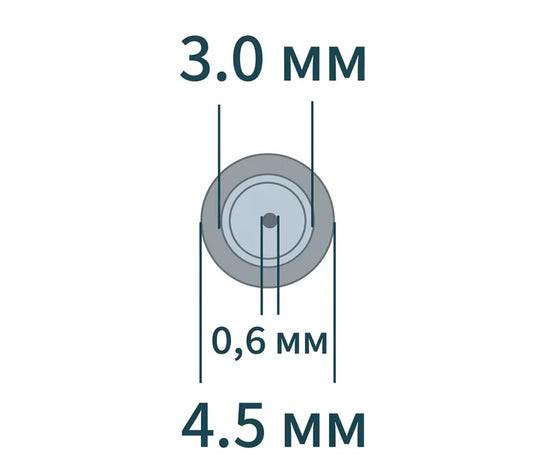 4.5×3.0100 W
Fits: Asus, Dell, HP
1 review419 ₴ -
USB Type-C 100W power cable DC 4.0×1.35 for charging Asus laptop

 4.0×1.35100 W
Fits: Asus, Lenovo, Samsung
1 review419 ₴ -
Not sure which one fits?
The plug size is printed on the old charger label. Can't find it? Send us the laptop model and we'll help.
-
USB Type-C 100W power adapter for Asus Vivobook, Dell

 4.5×3.0100 W
Fits: Asus, Dell, HP
4 reviews299 ₴ -
Not sure which one fits?
The plug size is printed on the old charger label. Can't find it? Send us the laptop model and we'll help.
-
USB Type-C 100W power cable DC 4.0×1.7 for charging a laptop

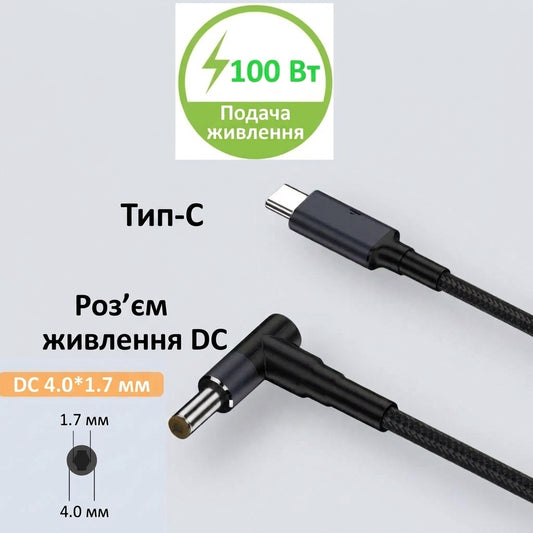 4.0×1.7100 W
Fits: Asus, HP, Lenovo, Samsung
1 review419 ₴ -
Not sure which one fits?
The plug size is printed on the old charger label. Can't find it? Send us the laptop model and we'll help.
-
Type-C / USB-C to MagSafe 2 Power Cable for Apple MacBook Pro / Air (100W, 180 cm) A1398 A1466 A1502 A1425 A1465

 MagSafe 2100 W
Fits: Apple
419 ₴ -
USB Type-C 65W DC 4.0×1.7 power cable for Lenovo laptops

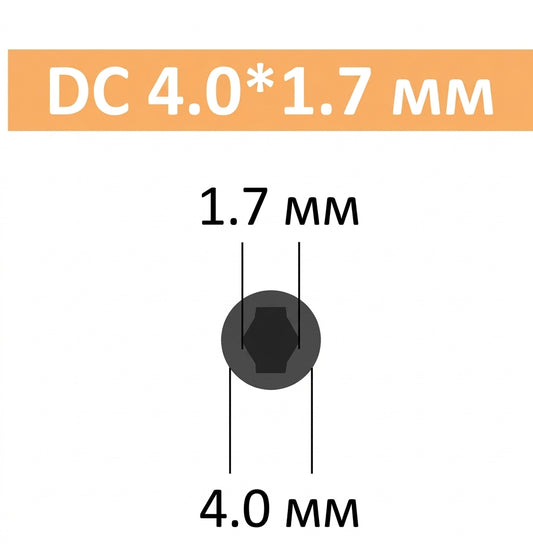 4.0×1.765 W
Fits: Asus, HP, Lenovo, Samsung
399 ₴ -
USB Type-C 65W power cable DC 4.0×1.35 for charging Asus laptop

 4.0×1.3565 W
Fits: Asus, Lenovo, Samsung
399 ₴ -
Lenovo 100W 20V USB Type-C to DC Power Charging Cable

 Lenovo Square100 W
Fits: Lenovo
1 review419 ₴ -
USB Type-C 65W DC 3.0×1.1 power cable for Acer Aspire laptop

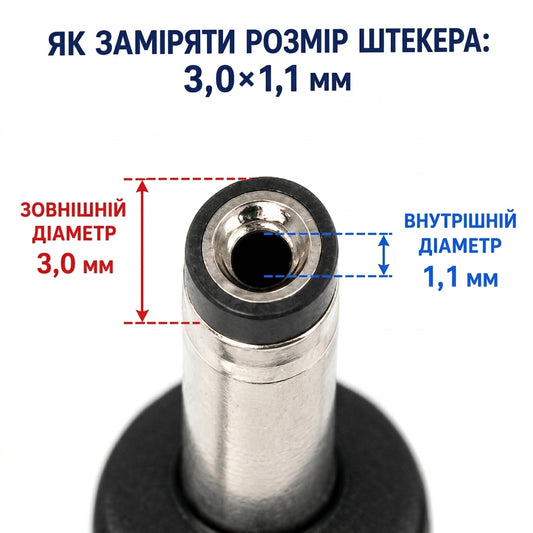 3.0×1.165 W
Fits: Acer, Asus, Samsung
2 reviews399 ₴ -
USB Type-C to DC 4.0x1.35mm adapter + 100W PD trigger for charging Asus laptops
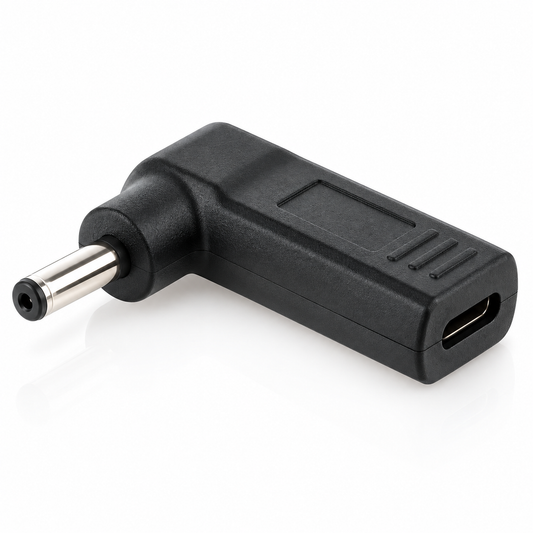
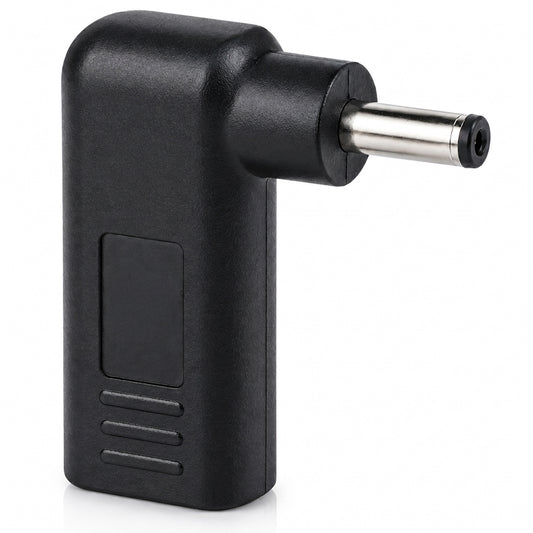 4.0×1.35100 W
Fits: Asus, Lenovo, Samsung
2 reviews309 ₴ -
USB Type-C 65W power cable DC 4.5×3.0*0.6 for charging Dell laptop

 4.5×3.065 W
Fits: Asus, Dell, HP
409 ₴ -
USB Type-C to DC 4.5×3.0*0.6 + PD Triger 19.5V 100W Adapter for HP

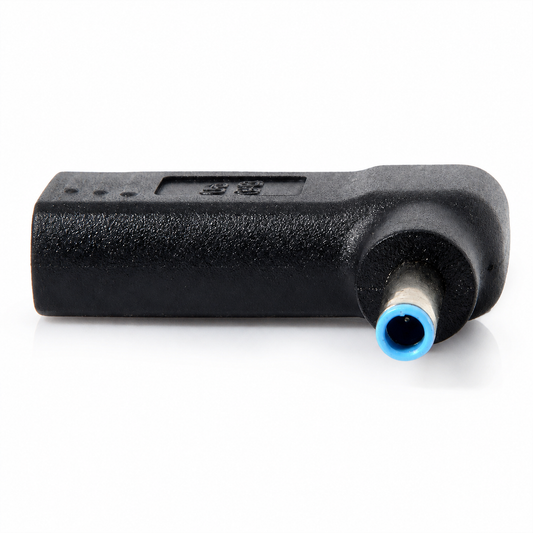 4.5×3.0100 W
Fits: Asus, Dell, HP
1 review309 ₴ -
USB Type-C to DC 4.0x1.7mm + PD Triger 19.5V 100W Adapter for Lenovo

 4.0×1.7100 W
Fits: Asus, HP, Lenovo, Samsung
309 ₴ -
Type-C 65W to DC 5.5*2.5 cable with trigger for laptop charging

 5.5×2.565 W
Fits: Acer, Asus, FUJITSU, HP, Lenovo, Toshiba
1 review419 ₴ -
Type-C cable for Microsoft Surface Pro X, 8, 7, 6, 5, 4, 3 and Surface Book 2/1

 Поверхня65 W
Fits: Microsoft
379 ₴ -
USB Type-C 65W DC power cable 7.4×5.0*0.6 for charging Dell laptop

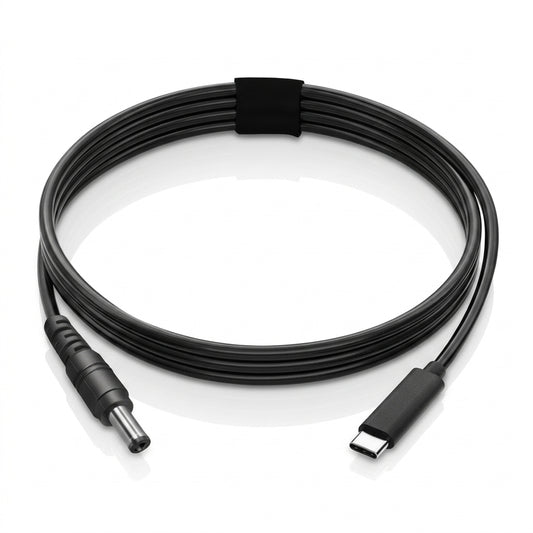 7.4×5.065 W
Fits: Dell, HP
1 review399 ₴ -
USB Type-C 100W power cable and DC 5.5×1.7 adapter for laptop charging

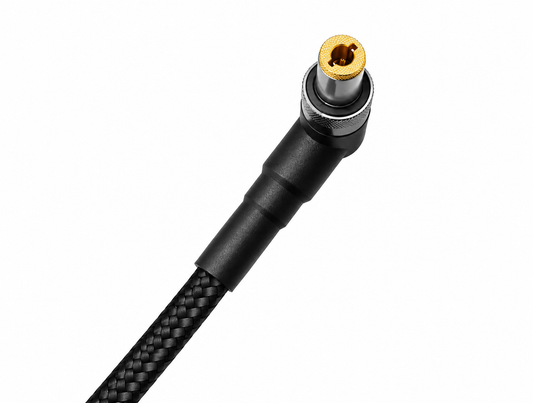 5.5×1.7100 W
Fits: Acer, Packard Bell
1 review499 ₴ -
USB Type-C to DC 6.5×4.4*1.4 mm adapter + PD Triger 19.5V 100W for Sony

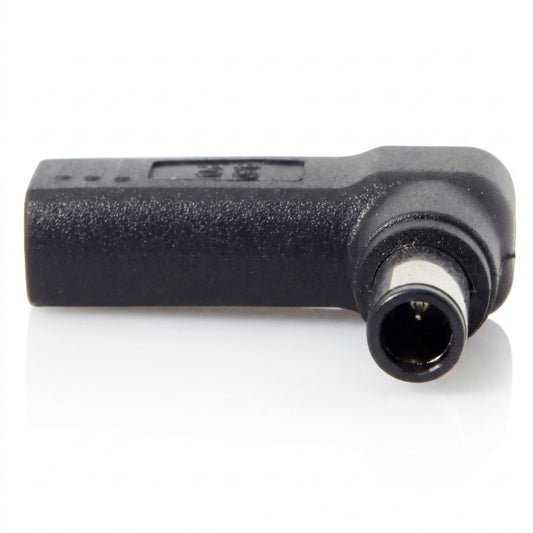 6.5×4.4100 W
Fits: Sony
309 ₴ -
USB Type-C 100W cable and DC adapter 4.5×3.0*0.6 HP for charging a laptop

 4.5×3.0100 W
Fits: Asus, Dell, HP
499 ₴ -
USB Type-C 100W power adapter DC 4.0*1.7 for Lenovo laptops

 4.0×1.7100 W
Fits: Asus, HP, Lenovo, Samsung
299 ₴ -
USB Type-C 100W power adapter DC 5.5×1.7 for Acer laptops

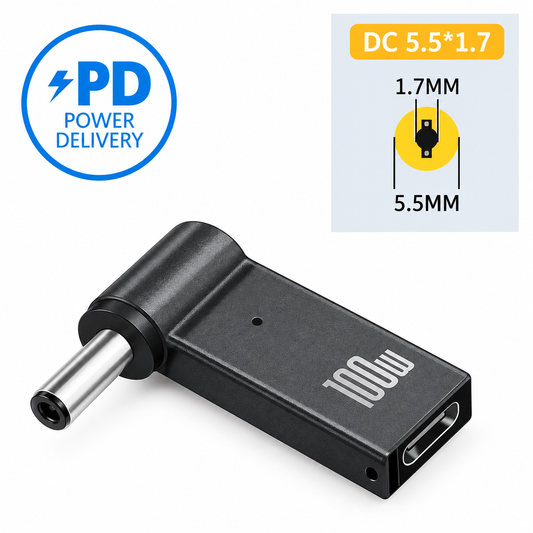 5.5×1.7100 W
Fits: Acer, Packard Bell
299 ₴ -
USB Type-C to DC 5.5×1.7 + PD Triger 19.5V 100W adapter for charging Acer laptops

 5.5×1.7100 W
Fits: Acer, Packard Bell
309 ₴ -
USB Type-C 100W Power Adapter DC 11.0×4.5 Rectangular for Lenovo

 Lenovo Square100 W
Fits: Lenovo
299 ₴ -
USB Type-C to DC 4.5×3.0*0.6 + PD Triger 19.5V 100W adapter for charging Dell laptops

 4.5×3.0100 W
Fits: Asus, Dell, HP
309 ₴


A USB Type-C adapter or cable lets you charge a laptop from a Power Delivery power bank or any USB-C charger, without the original power supply. A chip inside the plug (a PD trigger) asks the charger for the voltage the laptop needs, 19–20 V.
How to choose an adapter
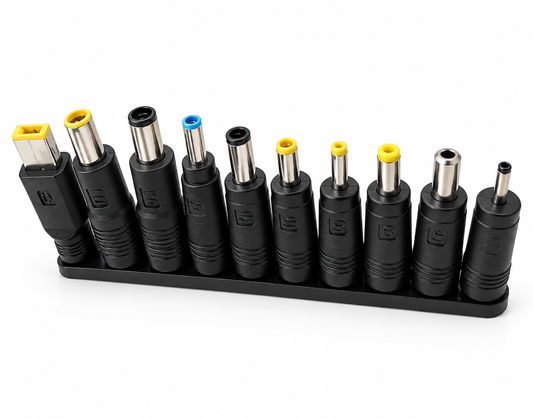
- Plug size. It is printed on the old charger's label, for example "19V ⎓ 3.42A, 5.5×2.5". Can't find it? Compare your plug with the pictures in the "How to find your plug size" guide above the products.
- Power. Choose at least as much as the original power supply. Most ultrabooks need 65 W; gaming laptops and workstations need 90–100 W or more. A 100 W cable also works with a 65 W laptop.
- Power source. The power bank or charger must support USB-C Power Delivery at 20 V and at least 65 W. A weaker source charges slowly or only keeps the battery level while you work.
Which plug fits which laptop
- 4.0×1.35: Asus Zenbook and Vivobook, Lenovo, Samsung.
- 4.5×3.0 with pin: HP, Dell, some Asus.
- 7.4×5.0 with pin: older HP and Dell.
- 5.5×2.5 and 5.5×2.1: Asus, Lenovo, Toshiba, Acer, HP.
- 4.0×1.7: Lenovo IdeaPad, HP, Asus.
- 3.0×1.1: thin Acer, Asus and Samsung models.
- Lenovo Square (rectangular): ThinkPad, IdeaPad, Yoga.
The full brand-to-size table is in the guide above the products. HP and Dell laptops with a pin plug sometimes report an "unknown adapter" and charge more slowly; this is normal for a universal cable.
MacBook and Microsoft Surface
For MacBook there are Type-C to MagSafe, MagSafe 2 and MagSafe 3 cables; for Surface there are Surface Connect adapters. They charge like the original power supply if the power bank or charger is powerful enough.
Powering a router from a power bank
We also sell 9 V and 12 V USB cables for routers and modems, so the internet keeps working during power cuts.
Not sure what fits? Send us your laptop model on Telegram and we'll help. Everything on this page is in stock and ships from Kyiv the same day.