How to find your plug size How to find it?
- Check the label on your old charger or the bottom of the laptop: it shows the voltage and often the plug size, e.g. 19V ⎓ 3.42A, 5.5×2.5.
-
Plug sizes most often used by each brand:
Laptop brand Plug sizes Asus 2.5×0.7, 3.0×1.1, 3.5×1.35, 4.0×1.35, 4.0×1.7, 4.5×3.0, 5.5×2.1, 5.5×2.5, 6.0×3.7, 6.0×4.0, 6.3×3.0 HP 4.0×1.7, 4.5×3.0, 4.8×1.7, 5.5×2.1, 5.5×2.5, 7.4×5.0 Lenovo 4.0×1.35, 4.0×1.7, 5.5×2.1, 5.5×2.5, 7.9×5.5, Lenovo Square Dell 4.5×3.0, 7.4×5.0 Acer 3.0×1.1, 5.5×1.7, 5.5×2.1, 5.5×2.5 Apple MagSafe, MagSafe 2, MagSafe 3 Samsung 3.0×1.1, 4.0×1.35, 4.0×1.7, 5.0×3.0, 5.5×2.1, 5.5×3.0 Microsoft Surface Sony 4.8×1.7, 6.0×4.0, 6.5×4.4 Toshiba 5.5×2.1, 5.5×2.5, 6.3×3.0 FUJITSU 5.5×2.5 Packard Bell 5.5×1.7
HP and Dell plugs with a centre pin (4.5×3.0, 7.4×5.0): some models charge more slowly with a universal cable.
Charging from a power bank? It needs USB-C Power Delivery at 20 V and 65 W or more.
-
Power adapter 5.5x2.1 to 5.5x2.5 mm

 5.5×2.5
Fits: Acer, Asus, FUJITSU, HP, Lenovo, Toshiba
1 review209 ₴ -
100W USB Type-C power adapter for Lenovo and Asus laptops, 5.5×2.5 mm

 5.5×2.5100 W
Fits: Acer, Asus, FUJITSU, HP, Lenovo, Toshiba
280 ₴ -
Type-C cable 200 cm 15V PD for Microsoft Surface Pro and Surface Book

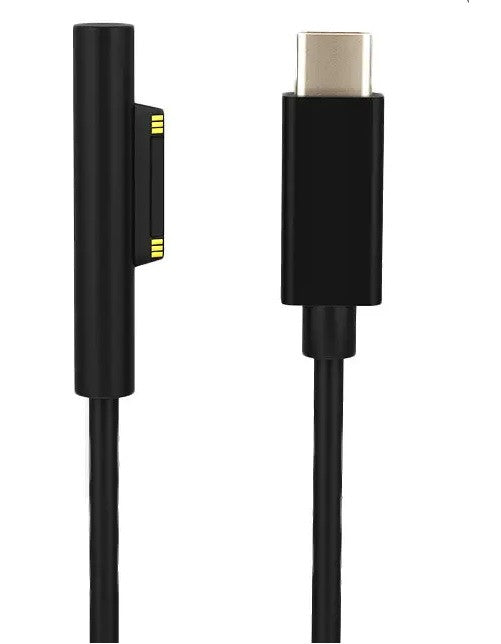 Поверхня65 W
Fits: Microsoft
369 ₴ -
USB Type-C to DC 7.9×5.5*0.6 + PD Triger 19.5V 100W adapter for Lenovo

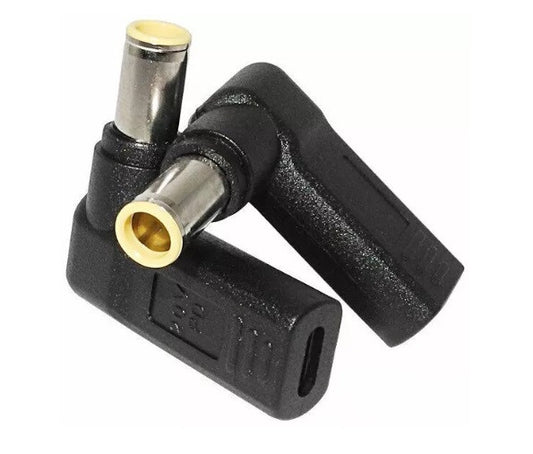 7.9×5.5100 W
Fits: Lenovo
290 ₴ -
USB Type-C 65W power cable DC 5.0×3.0 for charging Samsung laptop

 5.0×3.065 W
Fits: Samsung
1 review380 ₴ -
USB Type-C to DC 7.4×5.0*0.6 + PD Triger 19.5V 100W Adapter for HP

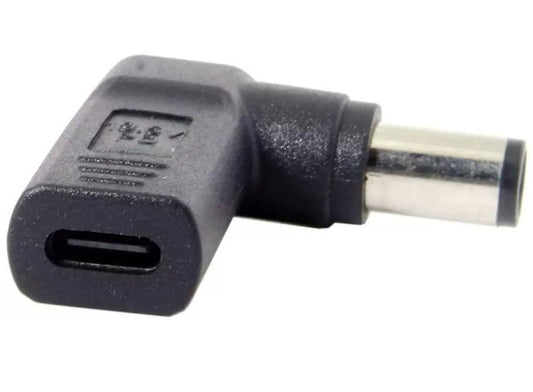 7.4×5.0100 W
Fits: Dell, HP
290 ₴ -
USB Type-C to DC 6.3×3.0 mm adapter with PD Triger 19.5V 100W for Asus

 6.3×3.0100 W
Fits: Asus, Toshiba
290 ₴ -
USB Type-C 100W power cable DC 5.5×2.1 for charging a laptop

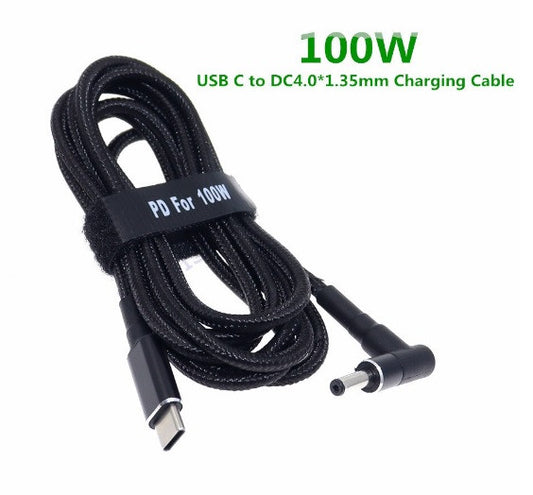 5.5×2.1100 W
Fits: Acer, Asus, HP, Lenovo, Samsung, Toshiba
399 ₴

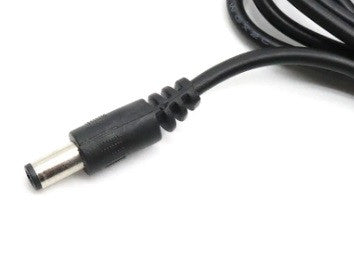


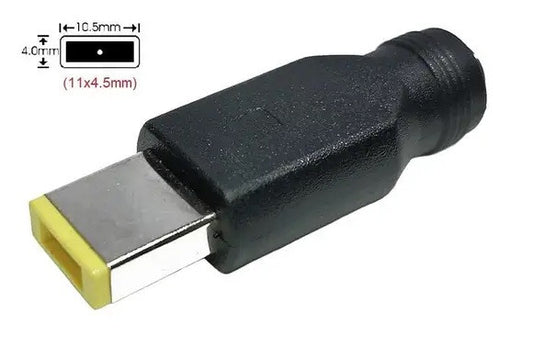

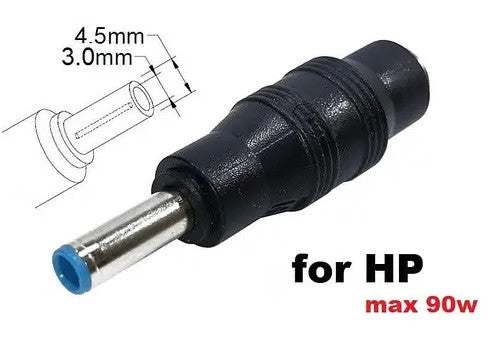


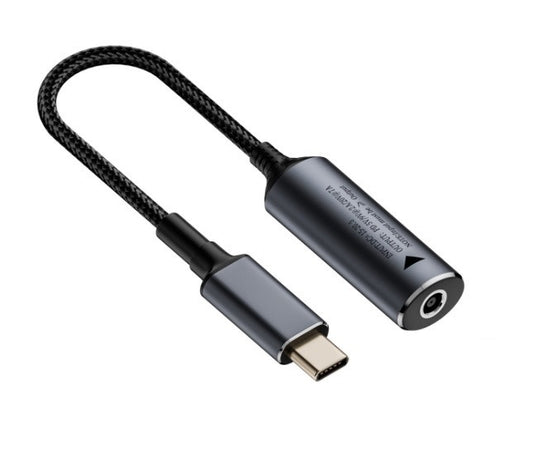


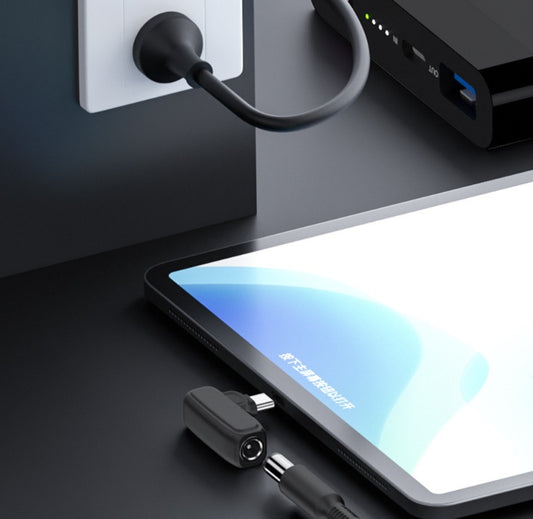


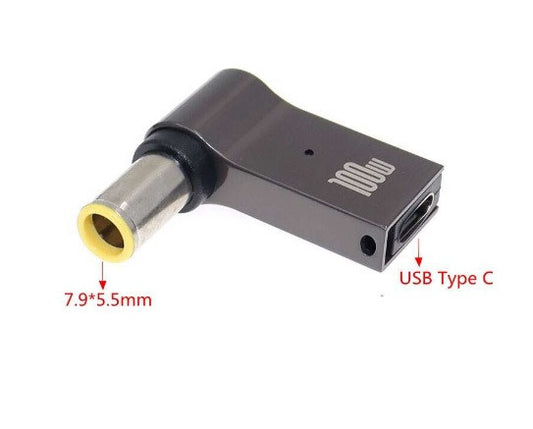


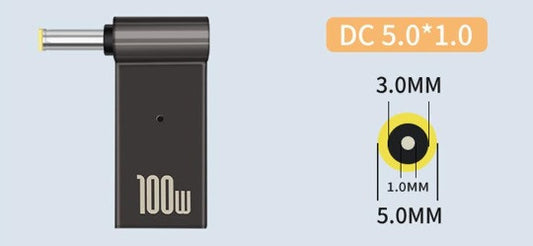


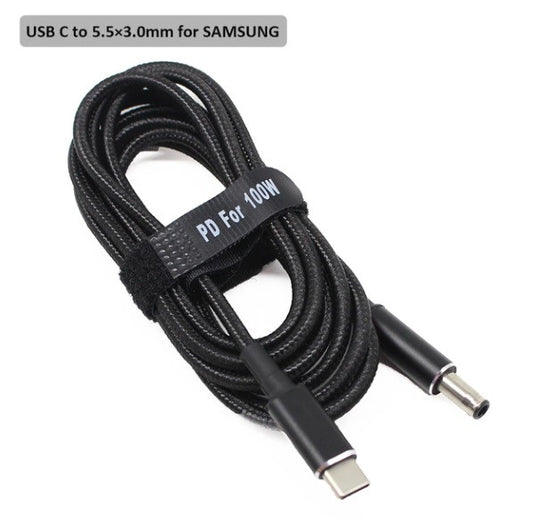


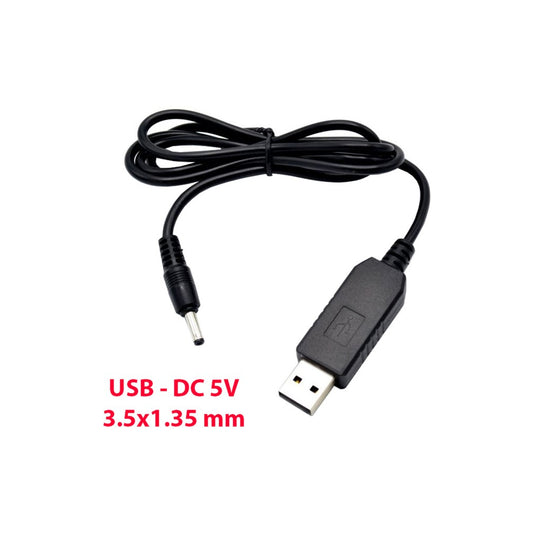

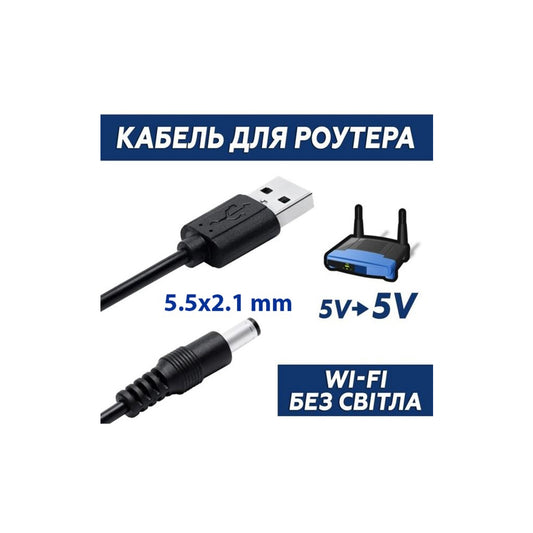

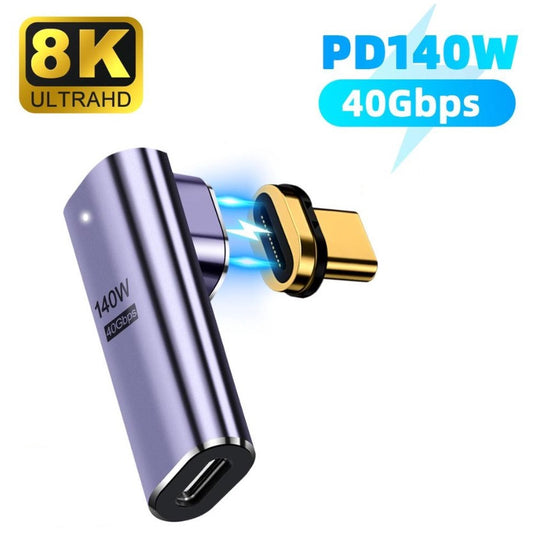
A USB Type-C adapter or cable lets you charge a laptop from a Power Delivery power bank or any USB-C charger, without the original power supply. A chip inside the plug (a PD trigger) asks the charger for the voltage the laptop needs, 19–20 V.
How to choose an adapter
- Plug size. It is printed on the old charger's label, for example "19V ⎓ 3.42A, 5.5×2.5". Can't find it? Compare your plug with the pictures in the "How to find your plug size" guide above the products.
- Power. Choose at least as much as the original power supply. Most ultrabooks need 65 W; gaming laptops and workstations need 90–100 W or more. A 100 W cable also works with a 65 W laptop.
- Power source. The power bank or charger must support USB-C Power Delivery at 20 V and at least 65 W. A weaker source charges slowly or only keeps the battery level while you work.
Which plug fits which laptop
- 4.0×1.35: Asus Zenbook and Vivobook, Lenovo, Samsung.
- 4.5×3.0 with pin: HP, Dell, some Asus.
- 7.4×5.0 with pin: older HP and Dell.
- 5.5×2.5 and 5.5×2.1: Asus, Lenovo, Toshiba, Acer, HP.
- 4.0×1.7: Lenovo IdeaPad, HP, Asus.
- 3.0×1.1: thin Acer, Asus and Samsung models.
- Lenovo Square (rectangular): ThinkPad, IdeaPad, Yoga.
The full brand-to-size table is in the guide above the products. HP and Dell laptops with a pin plug sometimes report an "unknown adapter" and charge more slowly; this is normal for a universal cable.
MacBook and Microsoft Surface
For MacBook there are Type-C to MagSafe, MagSafe 2 and MagSafe 3 cables; for Surface there are Surface Connect adapters. They charge like the original power supply if the power bank or charger is powerful enough.
Powering a router from a power bank
We also sell 9 V and 12 V USB cables for routers and modems, so the internet keeps working during power cuts.
Not sure what fits? Send us your laptop model on Telegram and we'll help. Everything on this page is in stock and ships from Kyiv the same day.