USB 3.0 to HDMI adapter for connecting an additional monitor
USB 3.0 to HDMI adapter for connecting an additional monitor
SKU: 2652
In stock
Couldn't load pickup availability
| Warranty 12 months. Return or exchange within 14 days → | |
| Delivery Nova Poshta to branch/locker or courier to your address → | |
| Payment Pay on delivery or prepayment → |
Description
The active USB 3.0 to HDMI adapter with a built-in graphics chip allows you to connect an additional HDMI monitor via a regular USB port. Unlike ordinary adapters, it processes the video signal independently, so it can even work on computers where the USB port does not support video output.
Suitable for connecting a second monitor, working with documents, studying, presentations, and watching videos in resolutions up to Full HD (1920×1080).
Important:
- A driver must be installed for operation (located on the adapter).
- Performance depends on the computer's specifications and drivers.
- Not recommended for modern games, professional 3D graphics, and other resource-intensive tasks.
- Compatibility limitations may occur on certain operating system versions or devices.
Specifications:
- Interface: USB 3.0 Type-A → HDMI
- Maximum resolution: up to 1920×1080 (Full HD)
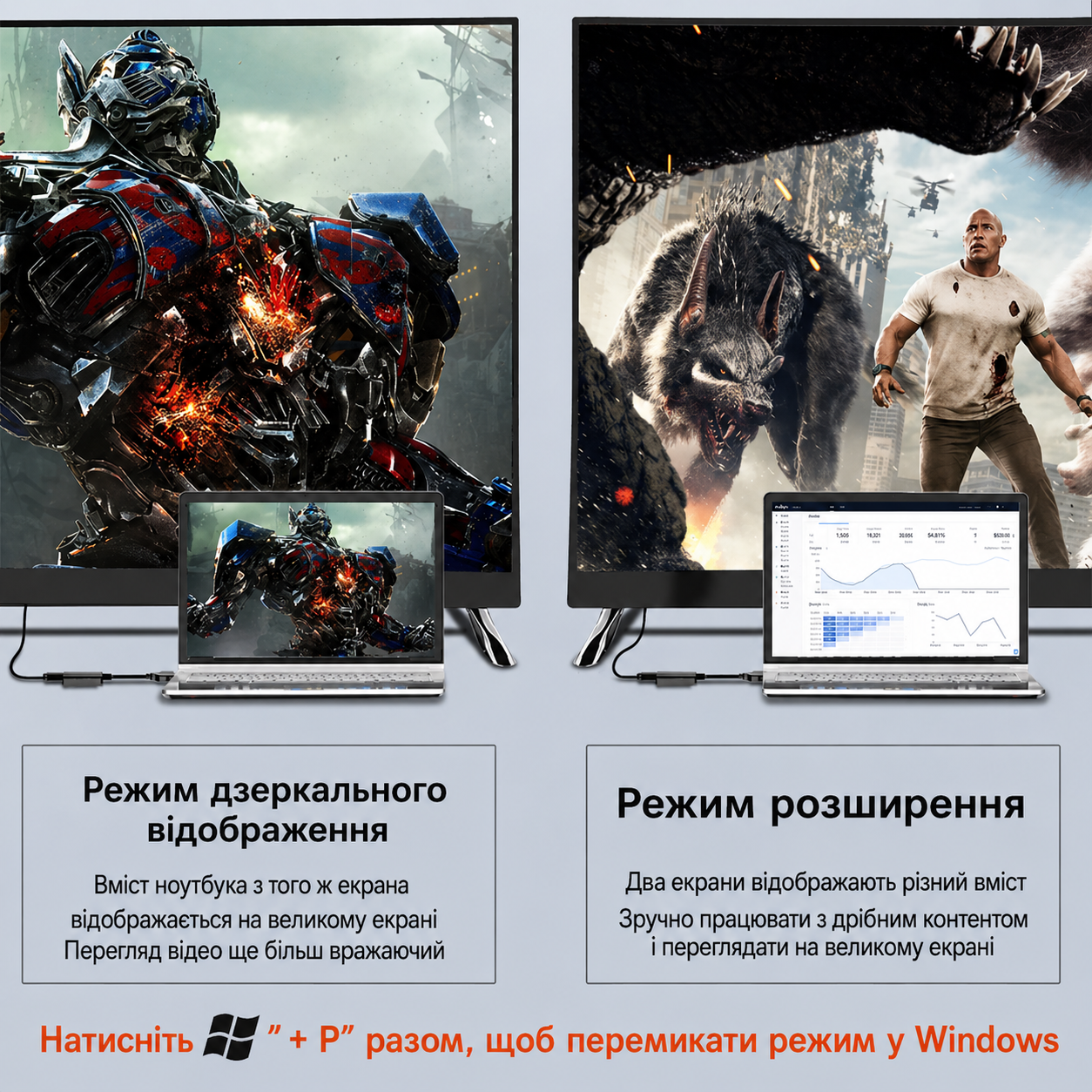
- Modes: screen extension or duplication
- Compatibility: Windows XP, 7, 8, 10, 11, macOS (with compatible driver)
Package contents:
-
- USB 3.0 → HDMI adapter.
Description
The active USB 3.0 to HDMI adapter with a built-in graphics chip allows you to connect an additional HDMI monitor via a regular USB port. Unlike ordinary adapters, it processes the video signal independently, so it can even work on computers where the USB port does not support video output.
Suitable for connecting a second monitor, working with documents, studying, presentations, and watching videos in resolutions up to Full HD (1920×1080).
Important:
- A driver must be installed for operation (located on the adapter).
- Performance depends on the computer's specifications and drivers.
- Not recommended for modern games, professional 3D graphics, and other resource-intensive tasks.
- Compatibility limitations may occur on certain operating system versions or devices.
Specifications:
- Interface: USB 3.0 Type-A → HDMI
- Maximum resolution: up to 1920×1080 (Full HD)
- Modes: screen extension or duplication
- Compatibility: Windows XP, 7, 8, 10, 11, macOS (with compatible driver)
Package contents:
-
- USB 3.0 → HDMI adapter.