

October 2022
Артур
Добрый день, не подскажите какой нужен кабель или конвертер чтобы подключить монитор к ноуту (на ноуте HDMI)(на монике VGA).
SKU: 3735
Out of stock
Other compatible items in stock (3)
Need exactly this item? Call (099) 381-5288 and we will tell you when it is back.
| Delivery Nova Poshta to branch/locker or courier to your address → | |
| Payment Pay on delivery or prepayment → |
Manufacturer: Robotsky
Model: XC1203
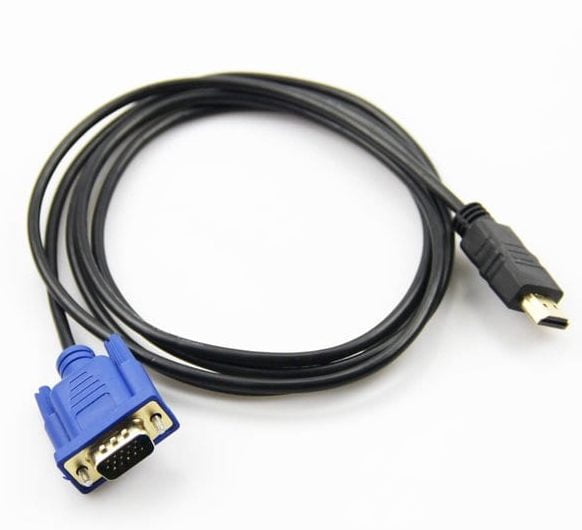
The 1.8m HDMI-VGA cable is designed to connect DVD players to TVs that have a VGA input. Please note that it does not contain a converter chip, so it is only suitable for a limited range of devices.
When connecting HDMI and VGA, it is important to consider technical details such as converting a digital signal to analog or vice versa, as well as the need for additional power for the converter.
Recommendations for using converters:
Before purchasing a cable, make sure you choose the right converter, as the "just plug it in" principle often doesn't work.
If in doubt, contact our managers via chat on the website or by phone.
Добрый день, не подскажите какой нужен кабель или конвертер чтобы подключить монитор к ноуту (на ноуте HDMI)(на монике VGA).
Здравствуйте, подходит ли этим кабелем системный блок и телевизор( чтобы телевизор выступал в роли монитора)?